
Fee dues
Before: Check registers by hand.
With NEPSOM: See unpaid fees in one place.
Ready to take your school digital?
Attendance, fees, exams, reports, notices, students and teachers — manage from one place, without registers and endless photocopies.

Track fees, share notices and prepare report cards in one place.
Before: Check registers by hand.
With NEPSOM: See unpaid fees in one place.
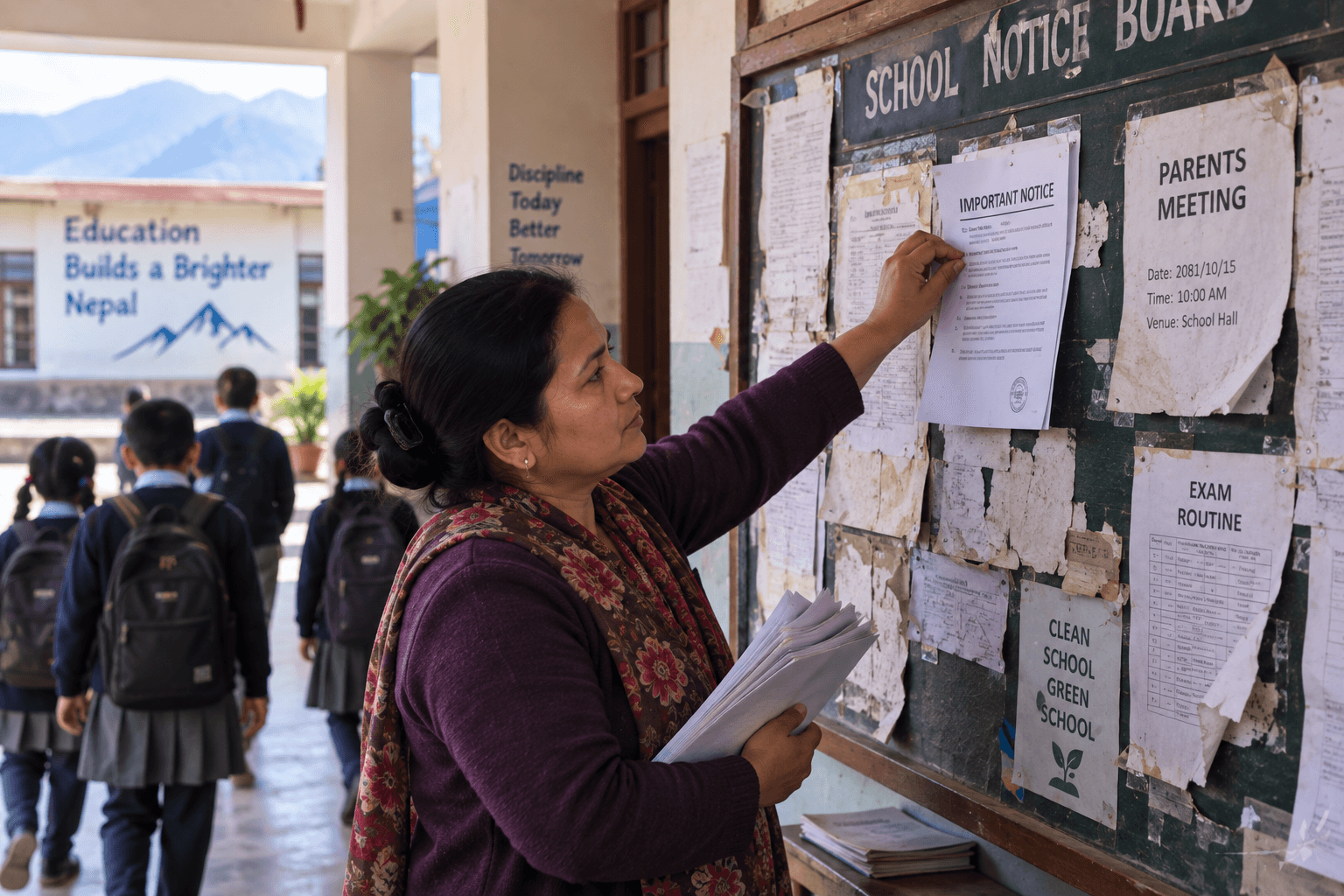
Before: Send paper notices.
With NEPSOM: Publish notices online.

Before: Calculate marks one by one.
With NEPSOM: Create printable results faster.
No installation or technical team needed.
Enter your school details.
Add classes, teachers and students.
Track attendance, fees and more.
See how eight everyday school tasks work with paper records and with NEPSOM.
| Task | Manual | NEPSOM |
|---|---|---|
| Fee dues | Search registers | View dues list |
| Fee payments | Write receipts | Print receipts |
| Attendance | Paper register | Mark by class |
| Notices | Send paper | Publish online |
| Exam results | Add marks by hand | Calculate results |
| Report cards | Make each card | Print report cards |
| Admissions | Sort forms | Review in one inbox |
| Student records | Search files | Find profiles |
Manage students, attendance, fees, exams, notices, and more without switching between registers, spreadsheets, and separate systems.
One login. One dashboard. One connected school system.
Reviews
“Before NEPSOM, checking unpaid fees meant going through several registers. Now the full dues list is ready in one place, which saves us a lot of time.”

Sunita Gurung
Principal, Shree Himalaya Secondary
Kaski, Nepal
“I was worried our teachers might find a new system difficult. They learned the attendance feature quickly and now use it every morning without help.”

Ram Bahadur Thapa
Vice Principal, Janata Basic School
Udayapur, Nepal
“Sharing notices with parents used to take too much effort. Now we publish one update and parents can read it directly from the school page.”

Maya Tamang
Principal, Everest Model Academy
Morang, Nepal
Common questions
Clear answers to the questions school leaders ask most.
Yes. NEPSOM works in a phone browser and is designed for everyday mobile use. No app installation is required.
No. Teachers can use their own phone to mark attendance, view school information and complete their assigned work.
No. Register the school, add your teachers and students, and start using the dashboard. No server or software installation is needed.
Yes. School records are protected by account access, and each school can only access its own students, staff, fees and results.
You can manage students, teachers, classes, attendance, fees, admissions, exams, notices, documents and your school website.
The main interface is currently in English. Nepali language support is being added as the platform develops.
Have another question? Ask us on WhatsApp
Register your school, confirm your email, and start setting up your workspace.
Register your school — free